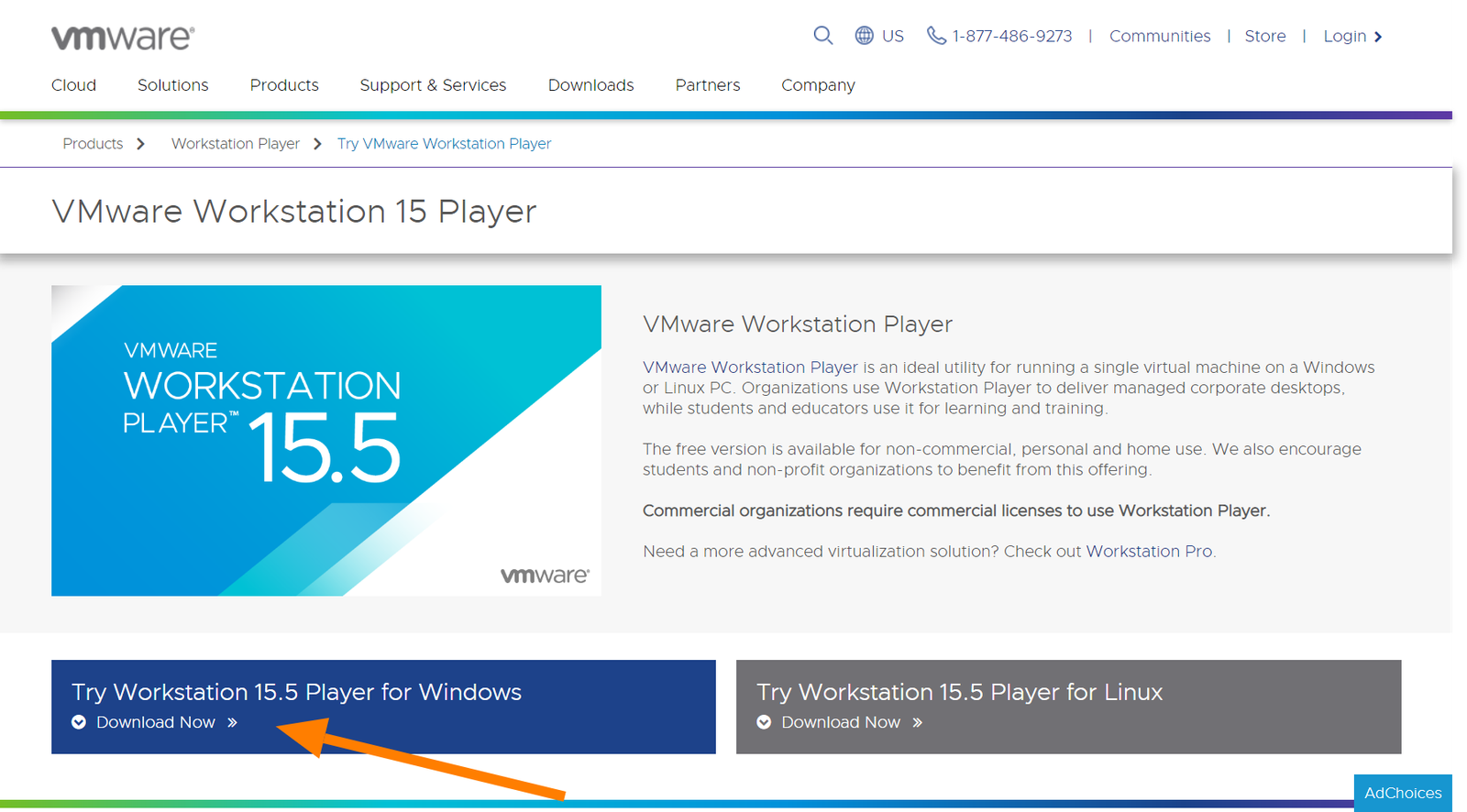
1. Download VMware Workstation Player
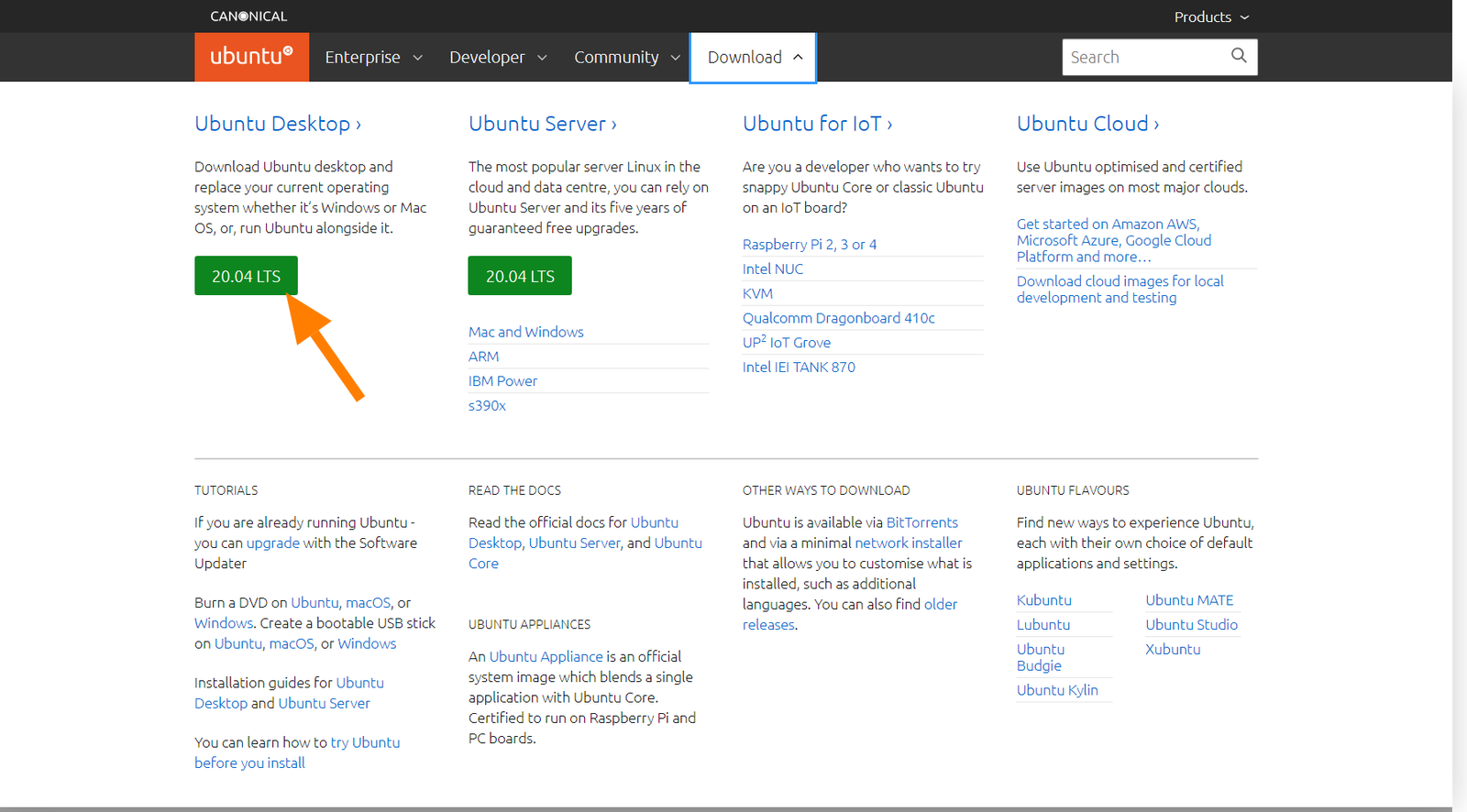
2. Download Ubuntu desktop iso file
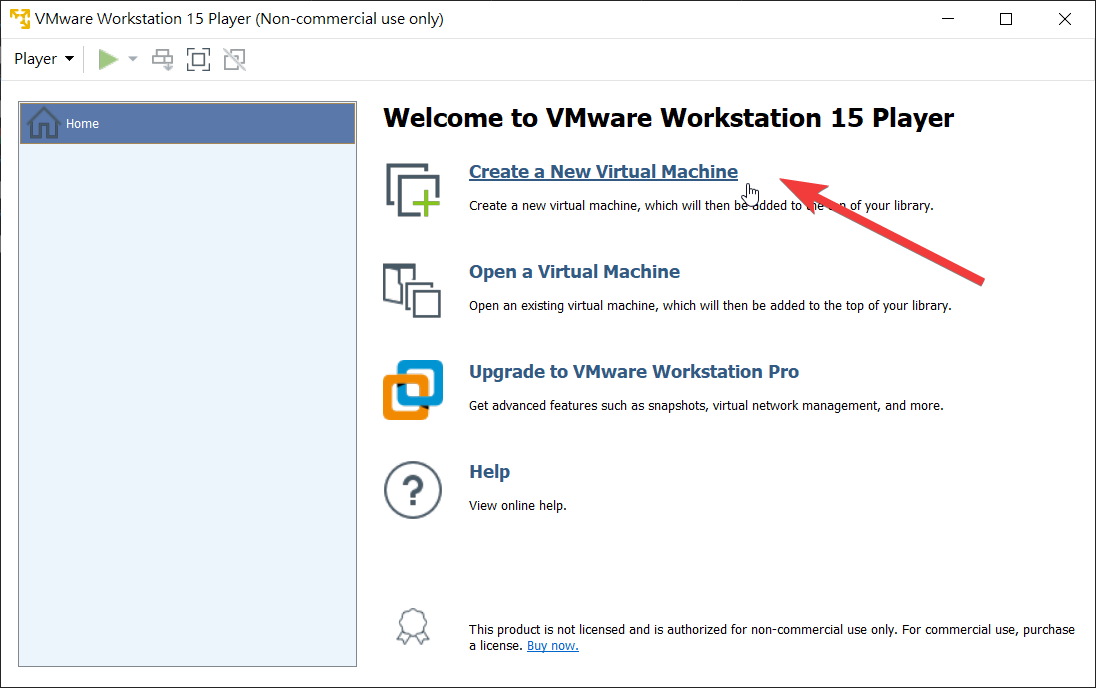
3. Create a VM
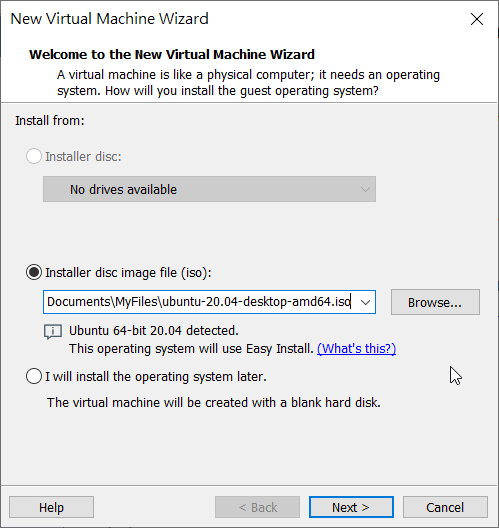
4. Select Ubuntu iso file
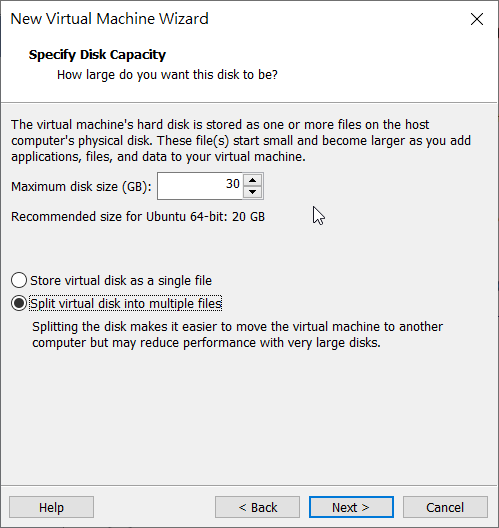
5. Customize Disk Size
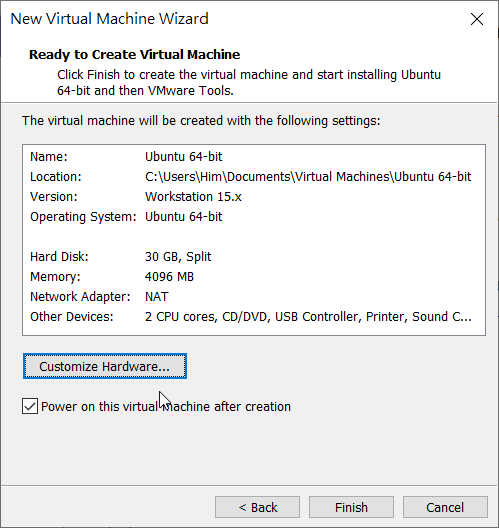
6. Customize Hardware
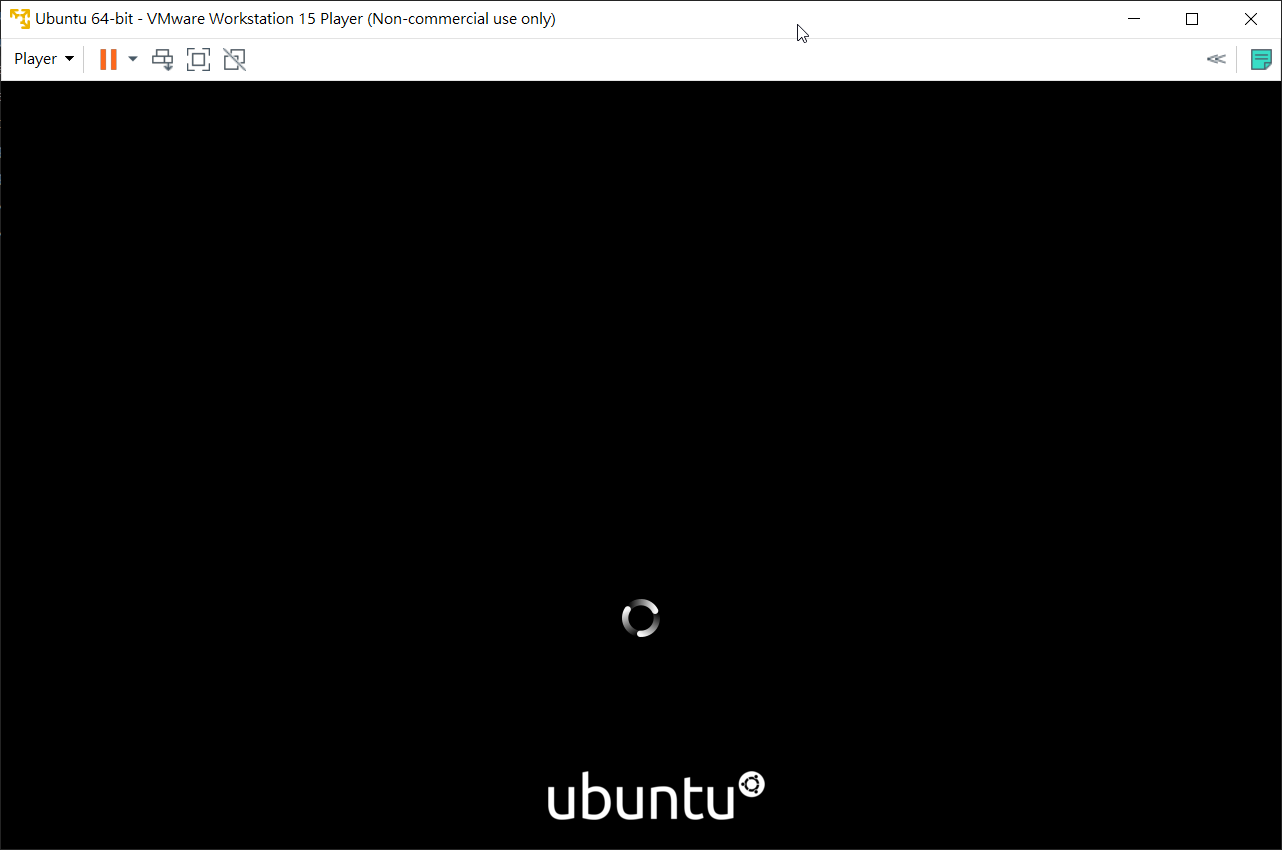
7. Installing
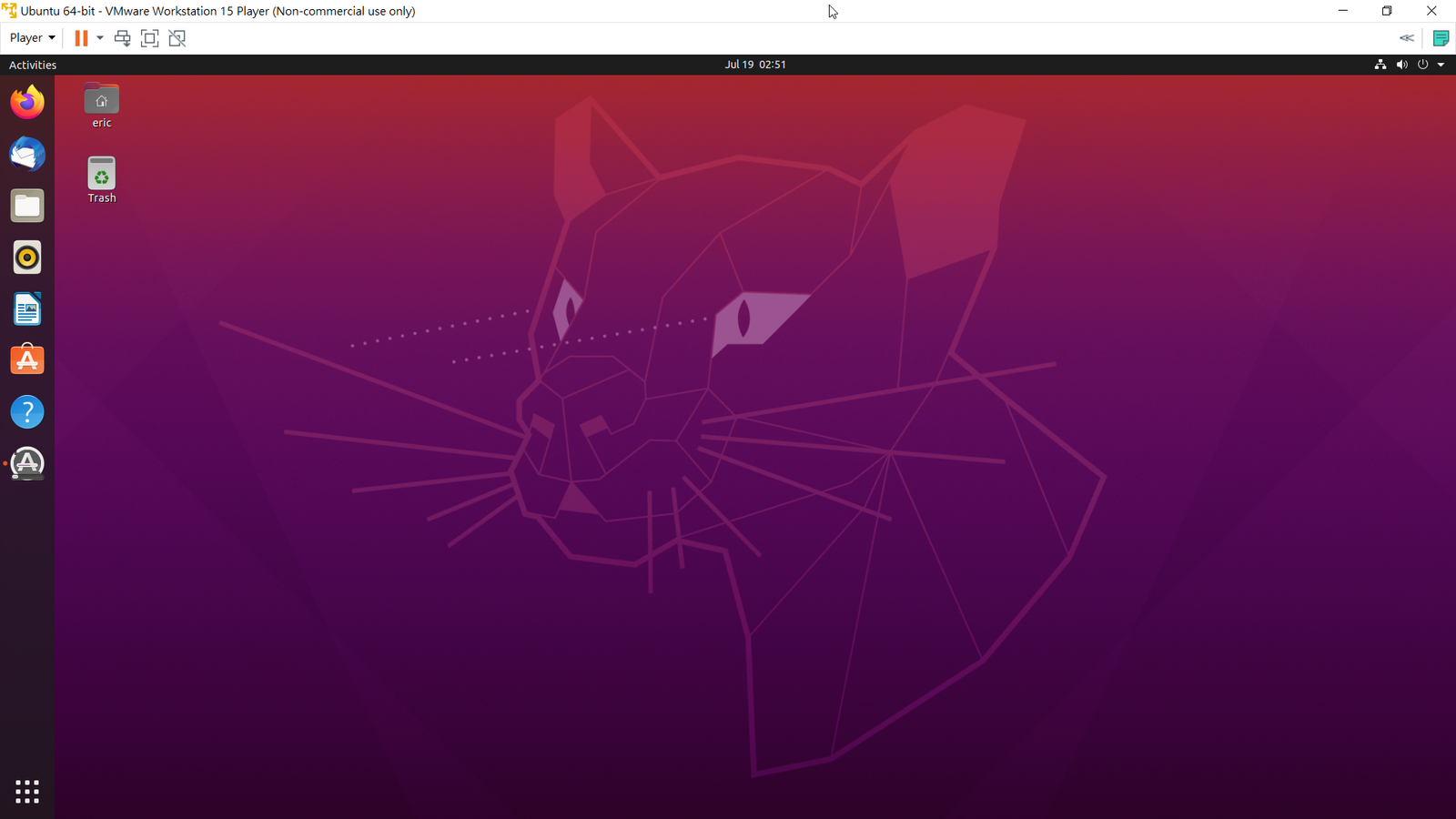
8. Successfully installed
1. Download VMware Workstation Player
2. Download Ubuntu desktop iso file
3. Create a VM
4. Select Ubuntu iso file
5. Customize Disk Size
6. Customize Hardware
7. Installing
8. Successfully installed